

Understanding Sender Types in Automated Emails
LeadsWithDemos offers flexible options for selecting the sender of your automated emails. Each sender type gives you a different level of branding and personalization, allowing you to tailor the communication experience for your audience.
Types of Senders
1. LeadsWithDemos Default Sender
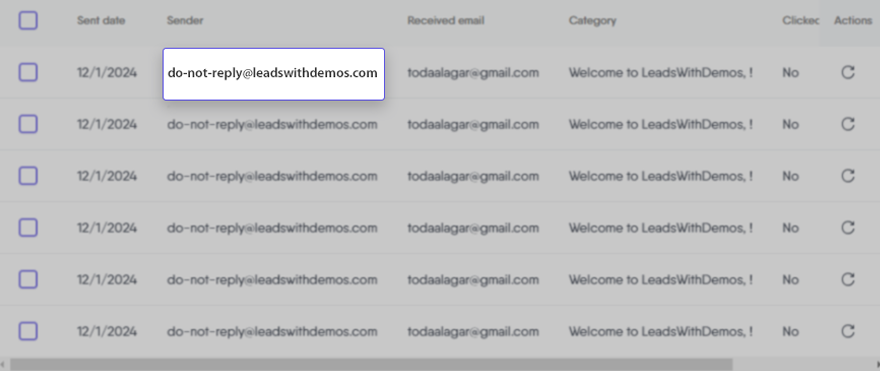
This is the system’s pre-configured sender—a standard LeadsWithDemos-branded email address and name.
- When it’s used: If you don’t provide custom sender information for your default email, the platform will automatically send messages from this address.
- Best for: Quick setup, testing, or if custom branding isn’t required.
- Appearance: Recipients see an address like do-not-reply@leadswithdemos.com and the LeadsWithDemos default display name.
2. Custom Default Sender (Site or General Sender)
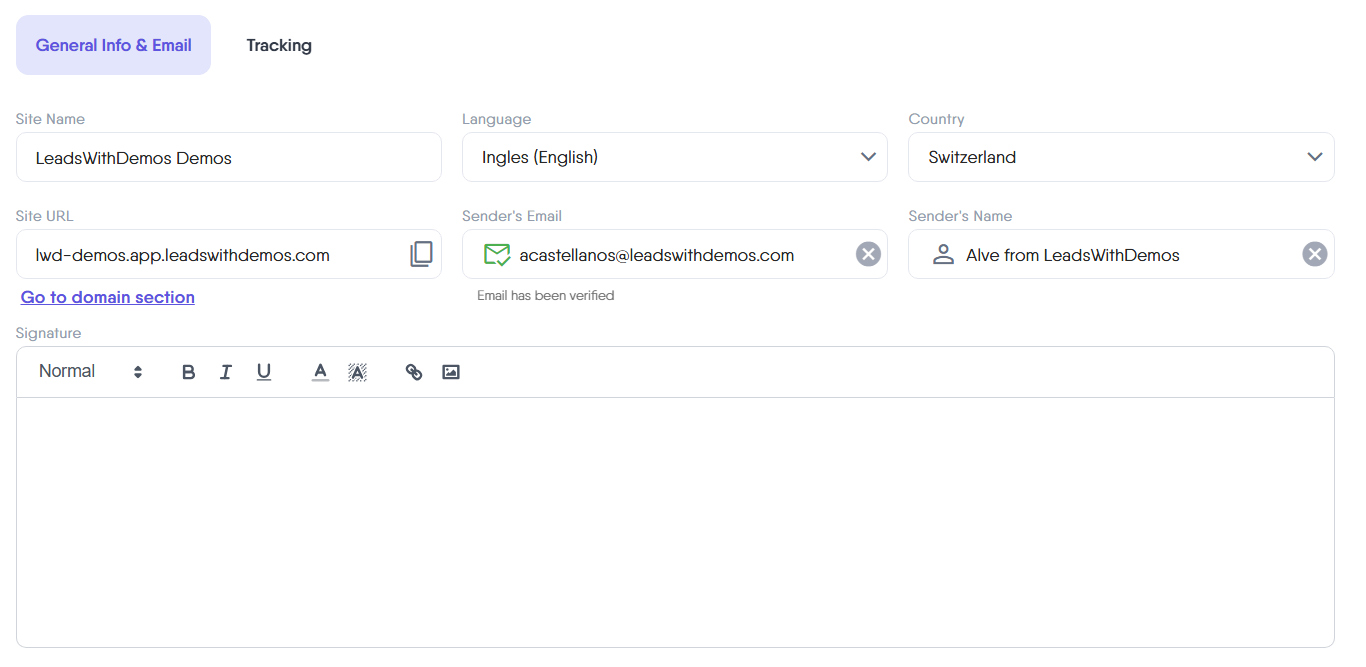
Set this in your site’s General Info & Email settings. This email address and name reflect your brand or organization and are used as the default sender for most automated emails.
- When it’s used: If an automated email is set to use the “Default” sender and you have configured a Custom Default Sender, the email will be sent from your chosen custom address and name.
- Best for: Organizations wanting to send branded emails from a central company address, or when a personal touch isn’t needed for every message.
- Appearance: Recipients see your business’s email and name, such as support@yoursite.com and your company name.
3. Specific Sender
These are senders you manage in the Senders section of your LeadsWithDemos Automated Emails dashboard.
- When it’s used: If you choose a specific sender for an email, that user’s name and email address will always be used for that automated message.
- Best for: Teams or organizations that want certain messages to come from a real person (like blogger’s name, sales or support staff), increasing personalization and trust.
- Appearance: The recipient sees the selected user’s email address and name, such as jane.doe@yoursite.com and their display name.
How Sender Selection Works
The sender logic hierarchy works as follows: whenever an automated email is triggered, LeadsWithDemos determines which sender information to use based on the following priority:
- Specific Sender: If you have chosen a specific sender for the email, LeadsWithDemos will use their details.
- Custom Default Sender: If no specific sender is set, your site’s custom sender email and name are used (only if configured).
- LeadsWithDemos Default Sender: If neither of the above is set, the email will be sent from the LeadsWithDemos default address and name.